


FAQs
Find Answers to Common Questions About Our Car Wash & Protect Product
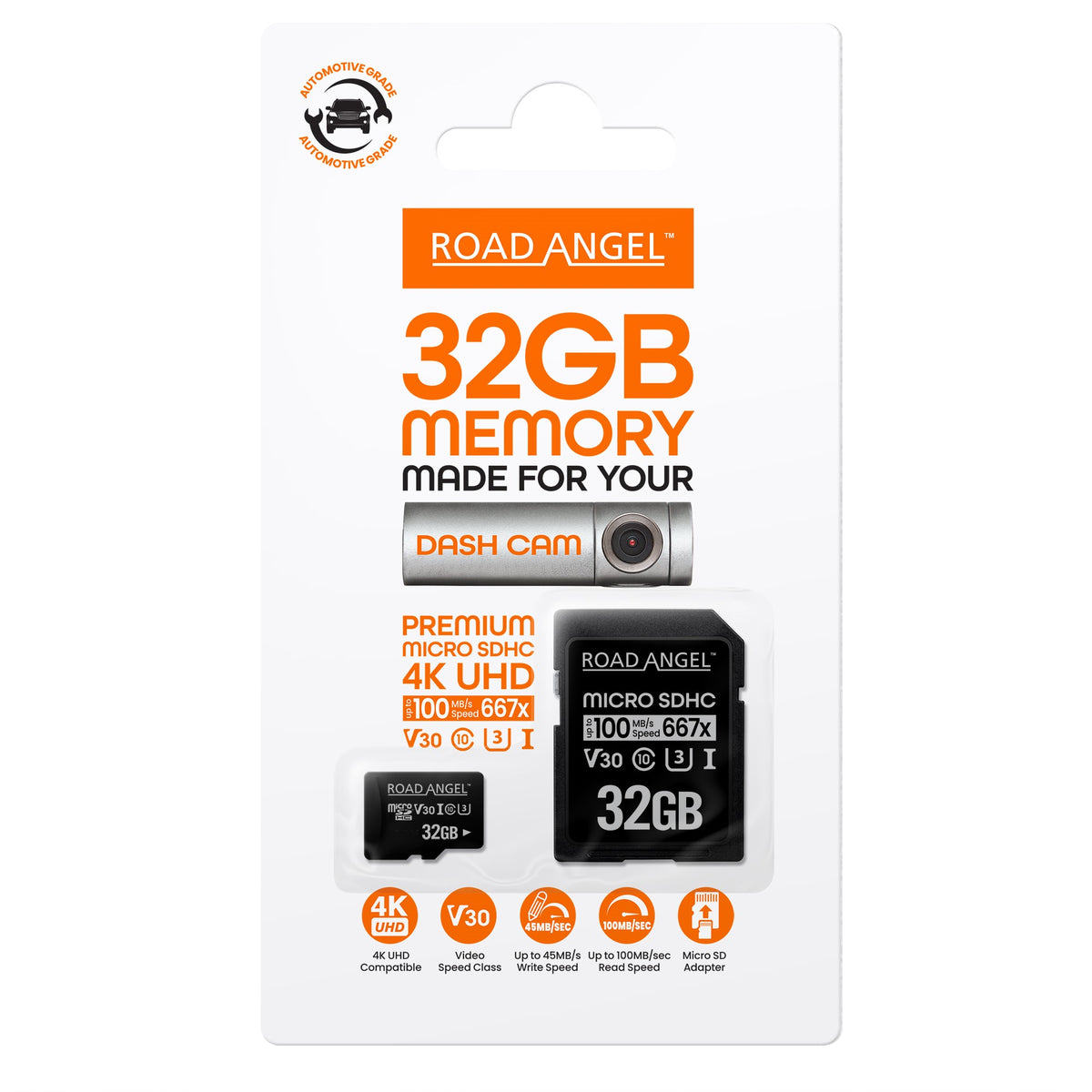
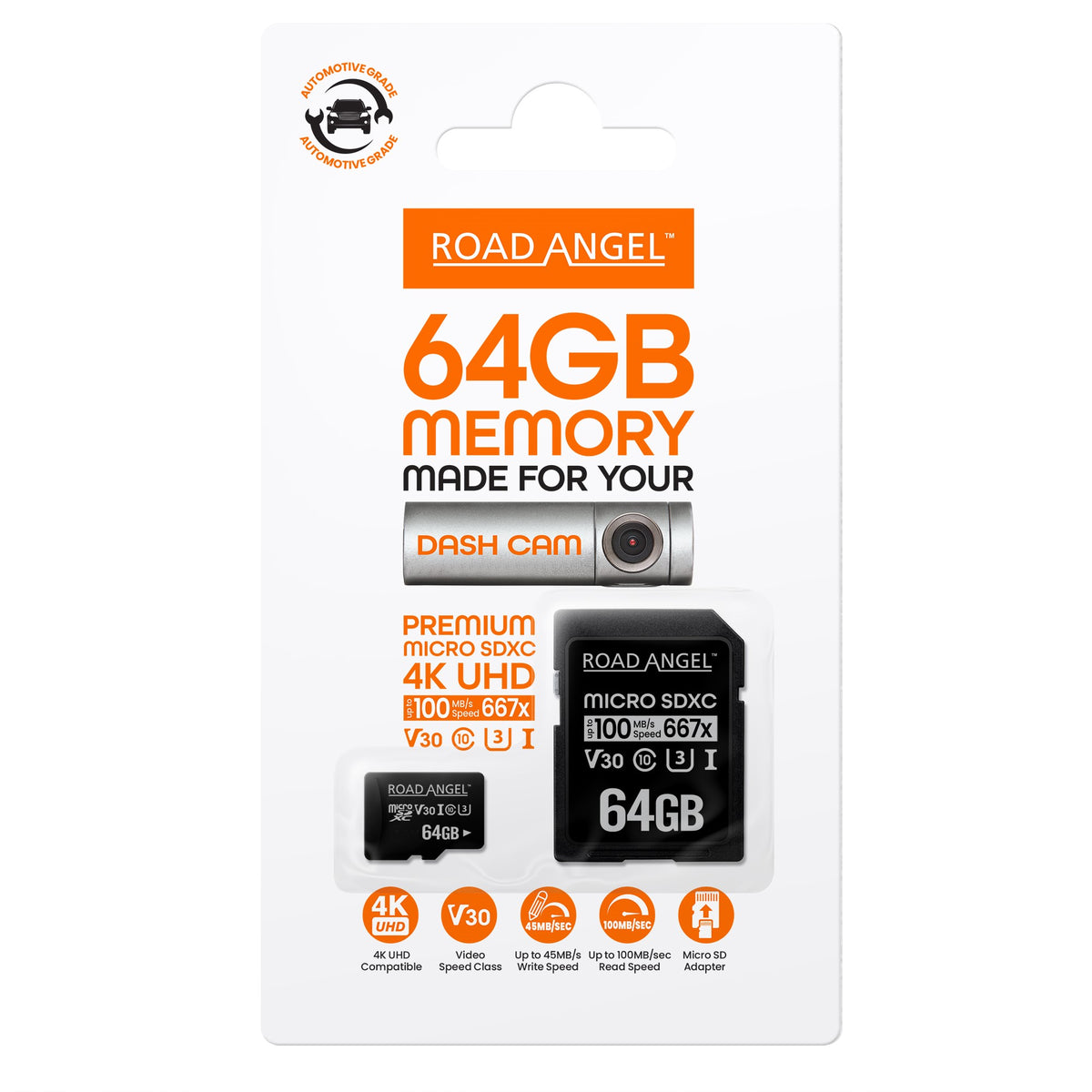
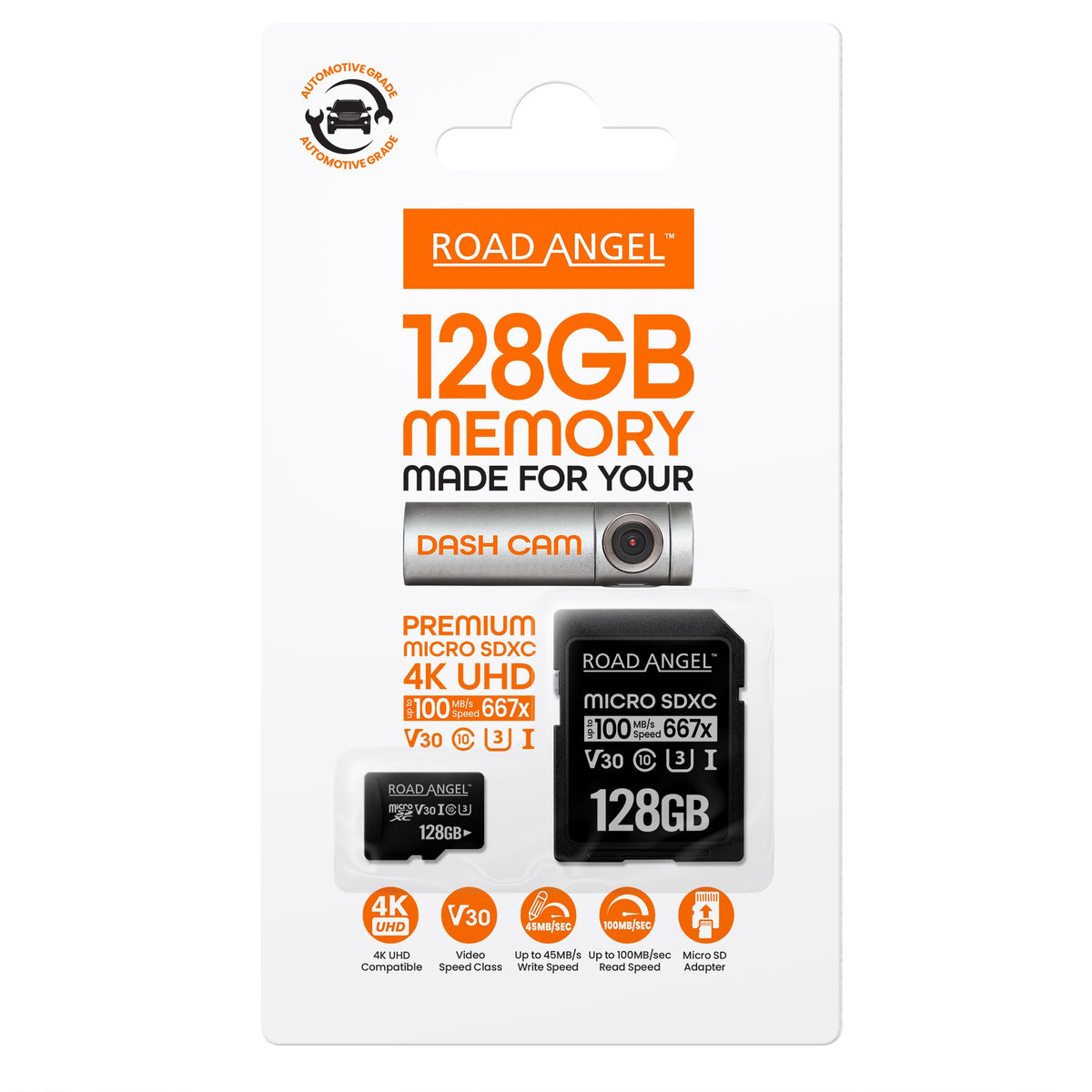
We recommend a Class 10 or higher Micro SD card with a capacity between 16GB - 128GB. Recording times will vary between different dash cams.
Yes, our car wash and protect product is formulated to be safe for all types of paint finishes, including clear coats, metallic, and matte finishes.
Using the Halo smartphone app, once connected to the camera go to Settings > Camera Settings > Advanced Camera Settings, then make sure the "Reveal the speed" option is turned on.
Using the Halo smartphone app, once connected to the camera go to Settings > Camera Settings > Advanced Camera Settings and there you can flip the images both vertical and horizontal.
The Halo Play have the ability to format the SD card using the Halo smartphone app. Using the Road Angel smartphone app, once connected to the camera go to Settings > Camera Settings > Camera Storage Management. From this screen you can format the SD card.